周记
周记 总结26年至今的成果
Raw Kit
用 GPT-5.4 把之前 claude 挖的坑填了,是一个图像处理的 macOS 应用。最新版 2.1 支持各种输入/输出的 gamut & gamma,以及 HDR 格式导出。
其他
- 更好的代理协议:更流畅稳定
- wireproxy:Cloudflare IP,claude 可用日本 IP
- 重新注册 claude:新 gmail、新的美区苹果 id,订阅成功
- tmux多机器任务管理:很方便
- 谷歌新闻 api:稳定使用,已发布服务
-
openclaw流畅运行:但是定时任务不稳定,不再使用,改成维护自己的 AI BOX- 容器部署,配置路径自定义
- agent2agent
- 远程桌面 rustdesk
- 程序化读取 tg 第三方公共频道消息
- 写技能
- url2md
- clawhub:从腾讯接口搜索,从官方下载
- 替代 docker:苹果 orb,服务器 podman
- CDP 控制浏览器
- 重新启用本博客。
CDP
其中 CDP 使用了与标准端口(9222)不一样的 9223 端口,需要修改 chrome 配置。
以下是我启动带 CDP 端口的 Chrome 实例的脚本,ichrome.icns 是我自定义的图标,以和官方的区分(但实际运行一段时间后,图标会变成默认的 Google Chrome 图标):
function chrome_with_cdp -a port app_name
    if test -z "$port"
        set port 9223
    end
    if test -z "$app_name"
        set app_name "iChrome"
    end

    set chrome_app '/Applications/Google Chrome.app'
    set app_dir /Applications/$app_name.app
    set contents_dir $app_dir/Contents
    set macos_dir $contents_dir/MacOS

    if not test -d "$app_dir"
        mkdir -p $macos_dir

        ln -sf $chrome_app/Contents/MacOS/'Google Chrome' $macos_dir/$app_name
        ln -sf $chrome_app/Contents/Frameworks $contents_dir/Frameworks
        cp -r $chrome_app/Contents/Resources $contents_dir/Resources
        cp $DOTFILES/assets/ichrome/ichrome.icns $contents_dir/Resources/app.icns
    end

    if not test -f $contents_dir/Info.plist
        printf '<?xml version="1.0" encoding="UTF-8"?>
<!DOCTYPE plist PUBLIC "-//Apple//DTD PLIST 1.0//EN" "http://www.apple.com/DTDs/PropertyList-1.0.dtd">
<plist version="1.0">
<dict>
    <key>CFBundleExecutable</key>
    <string>%s</string>
    <key>CFBundleIconFile</key>
    <string>app.icns</string>
    <key>CFBundleIdentifier</key>
    <string>com.garden.%s</string>
    <key>CFBundleName</key>
    <string>%s</string>
    <key>CFBundlePackageType</key>
    <string>APPL</string>
    <key>CFBundleShortVersionString</key>
    <string>1.0</string>
    <key>CFBundleVersion</key>
    <string>1</string>
    <key>LSMinimumSystemVersion</key>
    <string>10.15</string>
</dict>
</plist>' $app_name $app_name $app_name > $contents_dir/Info.plist
    end

    set lsregister /System/Library/Frameworks/CoreServices.framework/Frameworks/LaunchServices.framework/Support/lsregister
    $lsregister -f $app_dir
    touch $app_dir

    open $app_dir --args \
        --no-first-run \
        --no-default-browser-check \
        --disable-session-crashed-bubble \
        --remote-debugging-port=$port \
        --user-data-dir=$DL/$app_name-CDP-$port
end
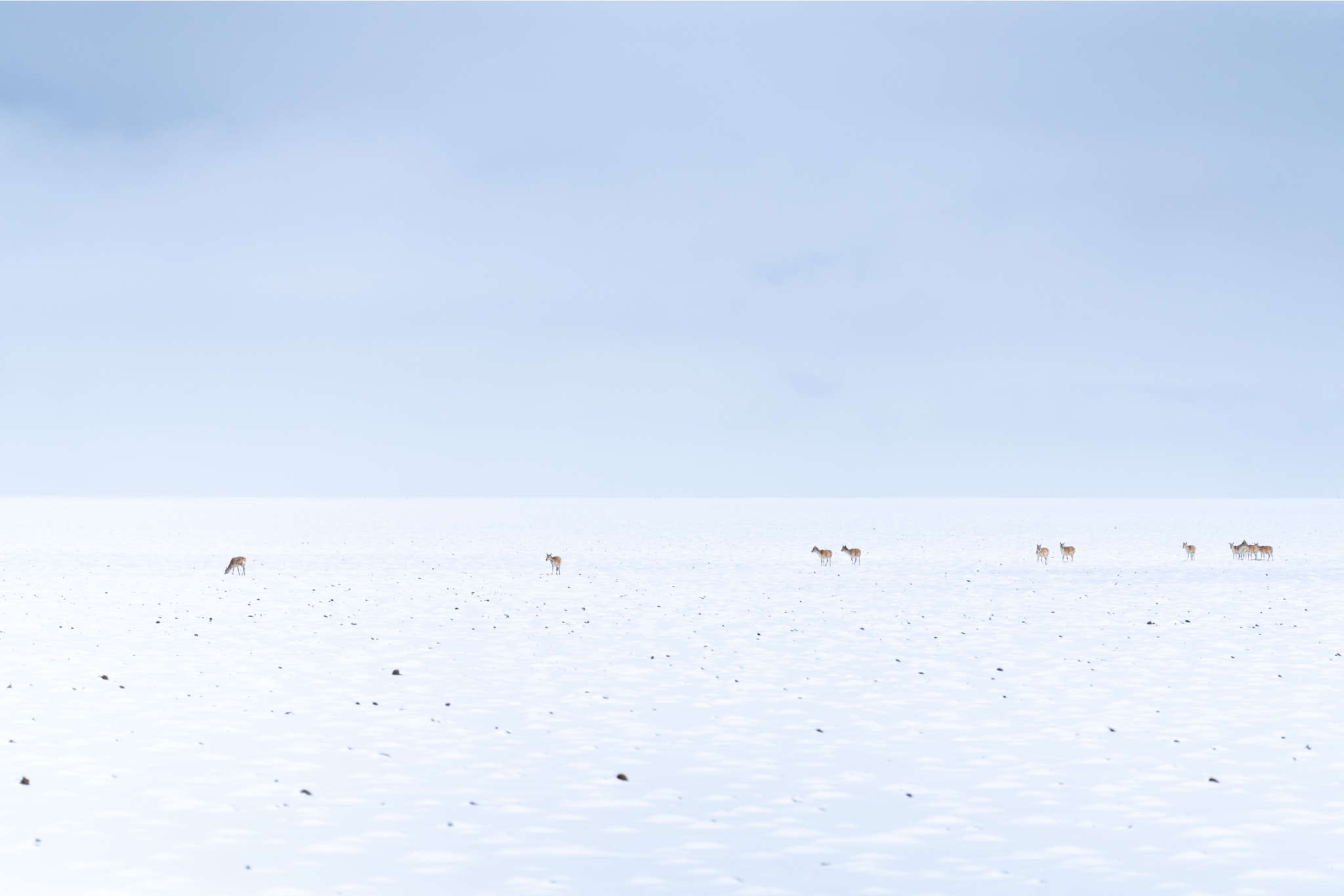
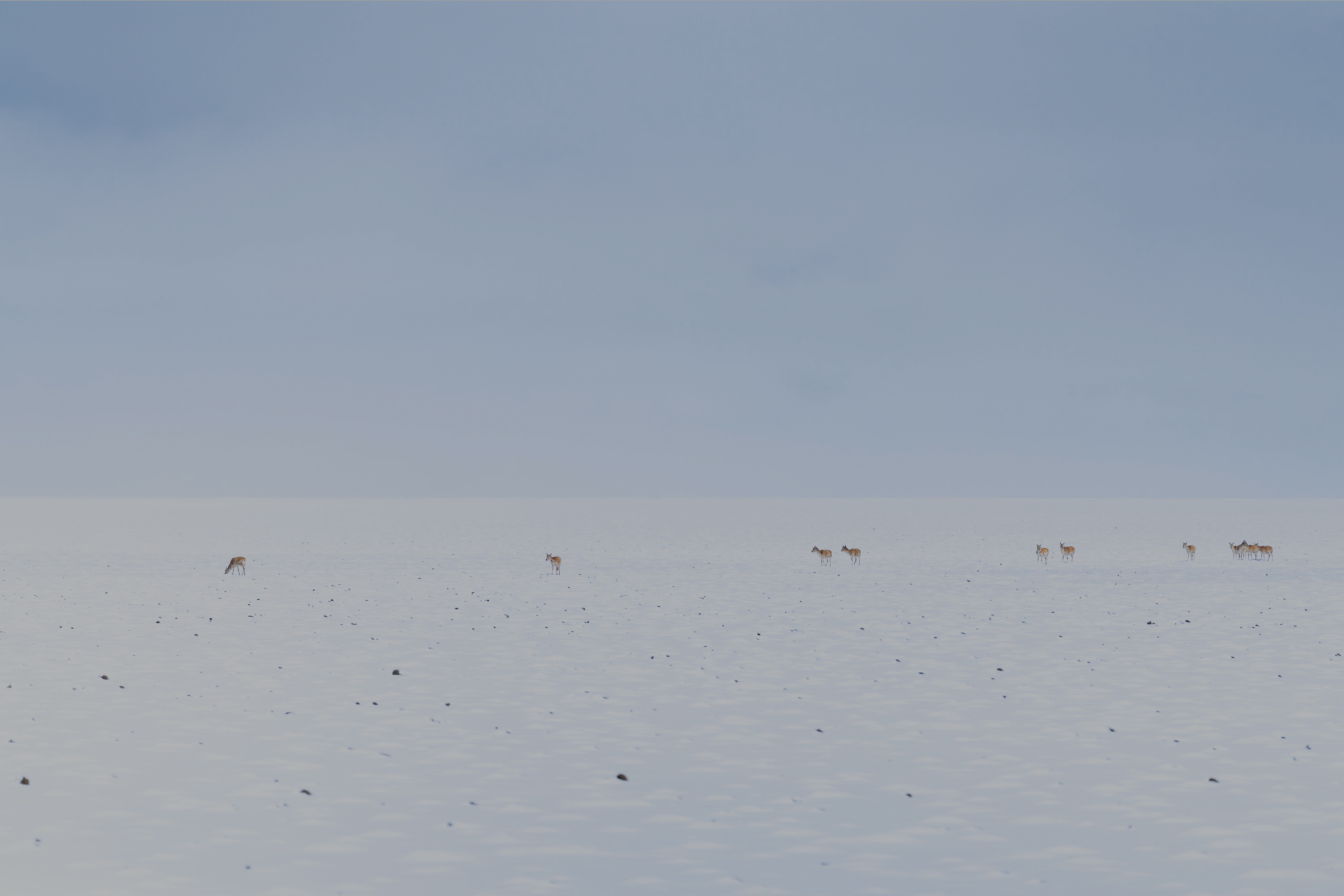
Raw Kit 输出示例
但是有个问题,就是 HDR 输出的图片,在浏览器中显示时,会变成 SDR,后续我会更新这些示例
当前 HDR 输出在 Chrome 已全部点亮! ISO gain map JPG 实现参考了 chrome 的 skia 引擎实现。
SDR JPG:
HDR JPG (Google Ultra HDR):
HDR AVIF:
